
Key takeaways
What features matter most when managing multiple clients? Home care software for multiple clients needs scheduling and rostering that handles continuity of carer and travel time at scale, electronic medication records, real-time oversight across your whole caseload, and access controls that keep client data secure as your team grows.
Does the software need to handle multiple branches too? Not always, but if you operate across more than one location, look for role- and location-based access control so head office gets a clear view across every branch while each site sees only what it should.
Will it scale as we take on more clients? The right system grows with you. Choosing software built for scale early avoids a costly and disruptive migration once your caseload expands.
Taking on more clients is a sign your home care agency is doing something right. But growth changes what you need from your software. Home care software for multiple clients has to do more than the spreadsheets, shared calendars and single-login systems that worked for a handful of clients, because those start to creak when you are coordinating dozens of carers across a growing caseload, and the cracks usually show as missed visits, slow updates and compliance gaps.
This guide looks at what home care software needs to do well when you are managing multiple clients, the features that matter most as you scale, and how Unique IQ approaches the challenges that come with a growing service.
Why managing multiple clients changes what you need from your software
When you are running a small caseload, almost any system can cope. The real test comes as you grow. More clients means more visits to schedule, more carers to coordinate, more medication records to keep accurate, and far more data for managers to keep on top of. Every one of those things becomes harder to do manually, and the cost of getting it wrong rises with scale.
The agencies that grow smoothly tend to be the ones that put a connected, purpose-built system in place before they outgrow their old way of working, rather than after. Choosing software designed for a larger caseload from the outset means you are not forced into a disruptive change of system at the very moment your service is busiest.
The features that matter most for multi-client home care
Feature depth matters far more than the length of a feature list. When you are comparing systems for a growing caseload, these are the areas that make the biggest difference day to day.
Scheduling and rostering is where volume bites first. Look for a scheduling and rostering engine that genuinely handles the complexity of domiciliary delivery across many clients at once: continuity-of-carer preferences, travel time management, geographic route optimisation, skills matching and the ability to make real-time changes that reach carers’ phones instantly.
Electronic medication administration records become higher risk as your caseload grows, because there is simply more to track. A good eMAR system replaces paper MAR charts with real-time medication prompts and alerts, so missed or incorrect medications are flagged rather than discovered later.
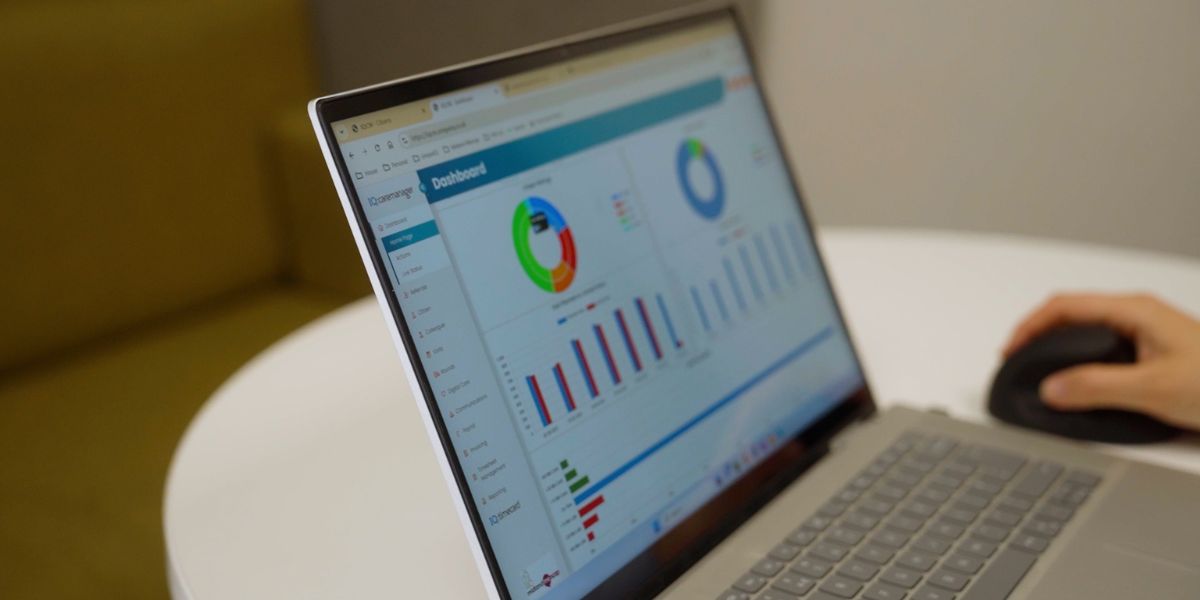
Reporting and oversight is what keeps a larger service safe. As your caseload expands, you need a clear, real-time view of visit completion, medication compliance, incidents and carer activity across every client, not data you have to chase. A system that surfaces this for managers turns operational information into something you can act on.
Unique IQ also offers two optional AI-powered add-ons that help specifically when you are managing volume. IQ:careaudit reviews care notes and visit logs in real time to flag medication issues and safeguarding concerns across your whole caseload, and IQ:careassist speeds up care planning when you have many plans to produce and maintain. Both are optional add-ons rather than part of the core system.
Controlling who sees what as your team grows
The more clients and carers you have, the more important it becomes to control who can access which records. Not everyone should see everything, and getting the balance between accessibility and protection right is a genuine data-protection responsibility.
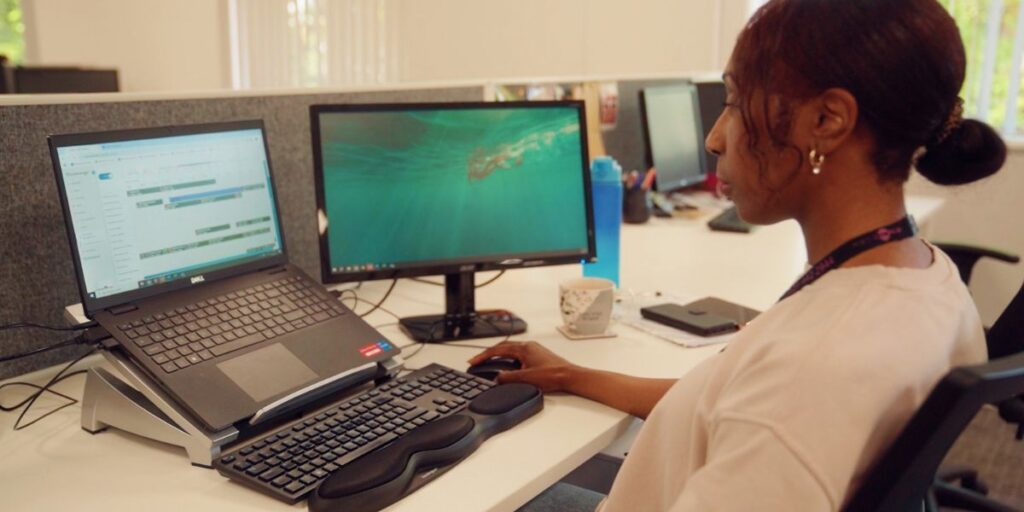
This matters most when you operate across more than one location. Defined Access Rights (DAR) in IQ:caremanager lets you tailor access by role, by location, or both, so a carer sees only the clients relevant to them, a branch manager sees their site, and senior leadership get an instant view across every branch. Unlike standard role-based access control, it adjusts dynamically and is built with GDPR compliance and end-to-end encryption in mind. For multi-branch agencies in particular, it removes the system workarounds that growing services often resort to when their software was never designed for more than one site.
Staying compliant as your caseload grows
Your software is a significant part of your CQC compliance infrastructure, and that role only grows as your service does. Inspectors increasingly expect digital evidence: timestamped visit records, eMAR logs, electronic care notes and governance data. Across a larger caseload, generating that evidence by hand quickly becomes unmanageable.
The Well-led key question is especially relevant for growing agencies. Real-time data on visit completion, medication compliance and incident trends across all your clients is exactly the kind of oversight inspectors look for from leadership. Good software supports providers preparing for CQC inspection and the move from paper to digital social care records (DSCR). The Homecare Association also provides useful independent guidance on evaluating care technology.
Scaling without switching systems
One of the most expensive mistakes a growing agency can make is choosing software it will outgrow. Migrating to a new system mid-growth means moving live client data, retraining staff and managing the risk of disruption while you are at your busiest. If you are weighing up a change, our guide to switching care management software walks through how to do it safely, but the better position to be in is choosing a system you will not need to leave.
Look for software that is built to scale with you, both in the size of caseload it handles comfortably and in the features that become relevant as you grow, such as multi-location access control and cross-branch reporting.
How Unique IQ supports growing agencies
Unique IQ has been building home care software since 2006. Over two decades of sector focus has produced a connected system, IQ:caremanager, that brings care planning, scheduling, eMAR, reporting, invoicing and client management together in one place, with a carer app that gives staff everything they need in the field even when mobile connectivity is limited.
Because we work exclusively across home care and related settings, including domiciliary care, supported living and complex care, the product is shaped by the real needs of growing agencies rather than the competing demands of other care models. As your caseload and your team expand, the system is designed to expand with you.
If you want to see how it works for an agency of your size, we would be glad to show you.
Next step: book a personalised demo with the Unique IQ team to see how we support agencies managing multiple clients.
Frequently asked questions: home care software for multiple clients
What is the best home care software for managing multiple clients?
There is no single best system for every agency, but for a growing caseload the priorities are clear. Look for software that is purpose-built for domiciliary care, handles scheduling and rostering at scale, keeps medication records accurate through eMAR, gives managers real-time oversight across all clients, and controls who can access which records as your team grows. Feature depth matters more than the length of the feature list, so always ask to see these working in a live demonstration.
How does home care software help agencies with multiple branches?
Multi-branch agencies face a particular challenge: head office needs a clear view across every site, while each branch should only see the clients and data relevant to it. Software with role- and location-based access control, such as Defined Access Rights in IQ:caremanager, lets you set this up precisely, giving senior leadership instant oversight across all branches without compromising security or resorting to system workarounds.
Can home care software control which staff see which clients?
Yes. Good systems let you define access by job role, by location, or both, so carers see only the clients relevant to them and managers see only their area of responsibility. This protects sensitive client data, supports GDPR compliance, and becomes increasingly important as your team and caseload grow.
Does software for multiple clients help with CQC compliance?
Yes, and it becomes more valuable as you scale. Your software generates the digital evidence inspectors expect, such as timestamped visit records, eMAR logs and governance data, and supports all five CQC key questions. It is especially useful for the Well-led question, where real-time oversight across your whole caseload gives leaders the assurance inspectors look for.
How much does home care software for multiple clients cost?
Pricing usually depends on the number of carers or clients and the features or add-ons you need, and most UK suppliers charge per user or per care worker on a monthly or annual basis. Some features, including certain AI-powered tools, are optional add-ons. For a tailored quote based on your agency’s size and needs, it is best to speak to suppliers directly.
How do managers monitor care quality across multiple clients?
As your caseload grows, monitoring quality by hand through periodic spot checks stops being practical. Managers increasingly rely on real-time oversight across the whole service: visit completion, medication compliance and incident trends visible across every client at once, rather than sampled after the event. Care audit software takes this further by reviewing every care note as it is submitted and flagging risks proactively. Our guide to care audit software for CQC evidence trails explains how continuous, multi-client monitoring works in practice.