
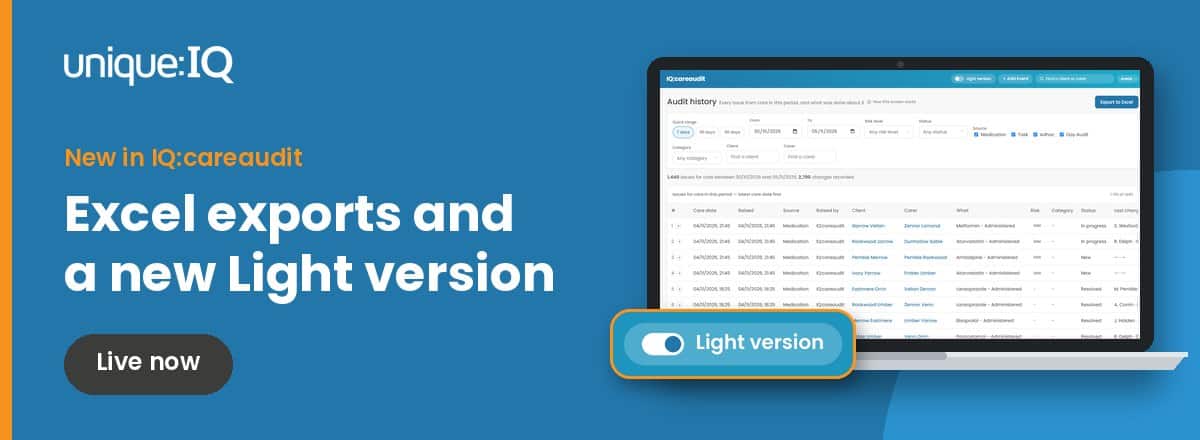
Care audit reports are only useful if you can get the right evidence out quickly, in a format you can share. That’s why we’ve released two updates to IQ:careaudit, both live now. You can now export detailed care audit reports to Excel from Audit history, and a new Light version gives your team a simpler menu for day-to-day work.
Both updates came from your feedback, including questions raised during our recent IQ:careaudit webinar. You asked, and we listened.
Export care audit reports to Excel in a few clicks
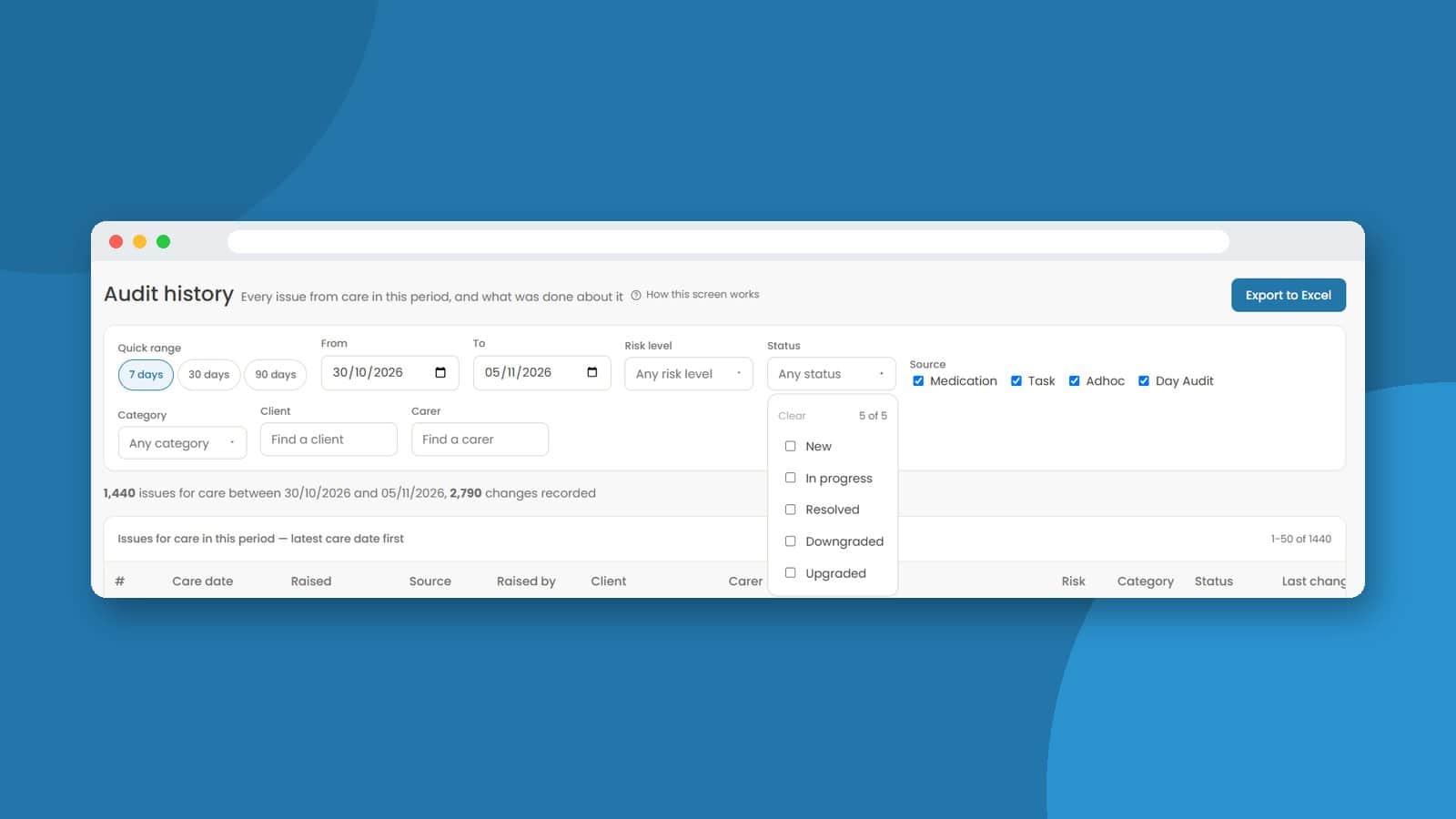
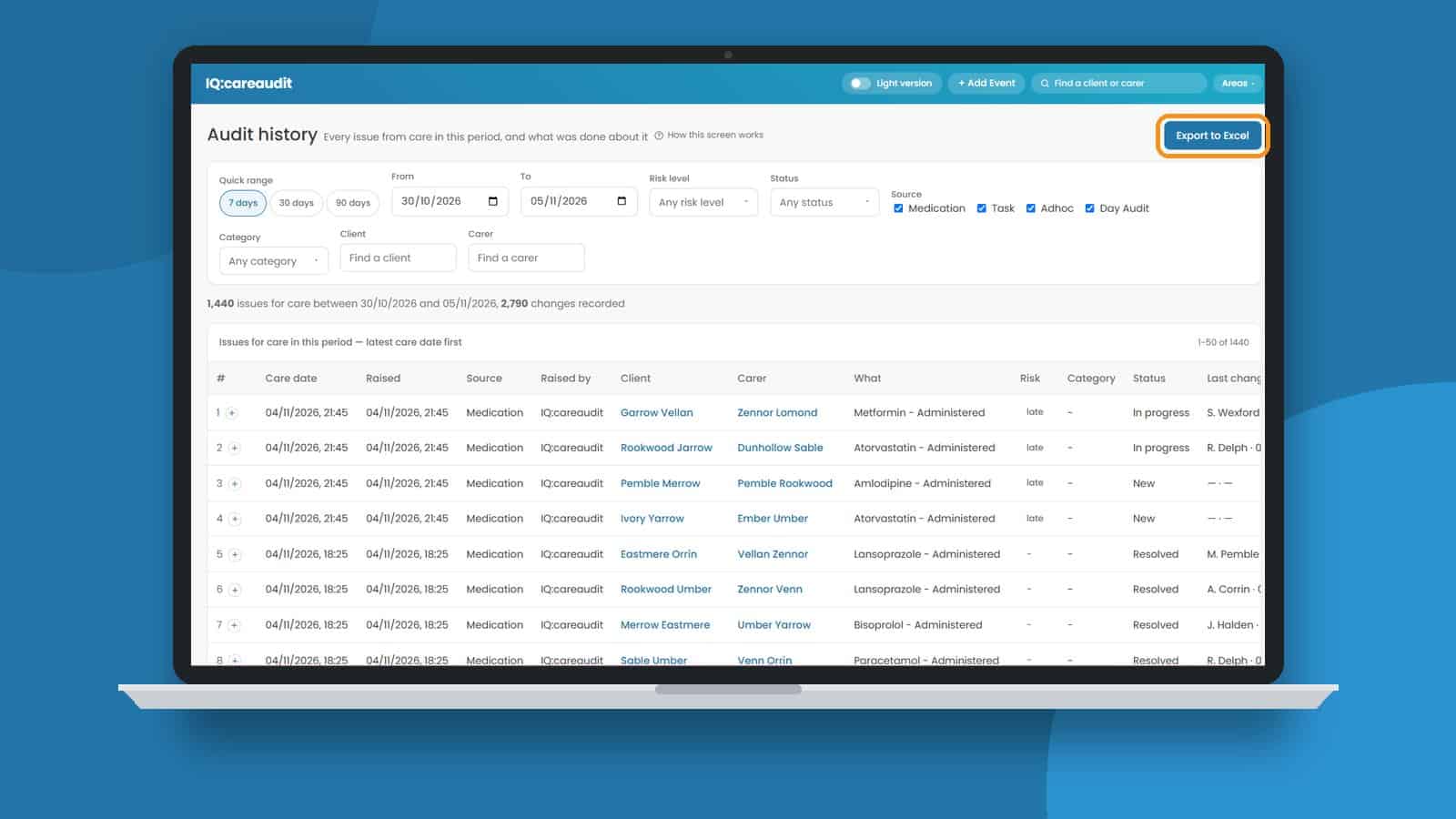
Audit history shows every issue from care in a chosen period, and what was done about it. Now, with a single click on Export to Excel, you can turn that view into a detailed spreadsheet report for your chosen criteria.
You decide exactly what goes into your report. Filter by:
- Date range: the last 7, 30 or 90 days, or any dates you choose.
- Source: medication, tasks and ad hoc events.
- Category, risk level and status: to focus on specific types of issue, such as medication errors or incidents.
- Client or carer: to review the history for an individual.
Because the export reflects your filters, you can create a focused report for a single client review just as easily as a full report for a 90-day period.
How exportable reports support CQC inspection evidence
A strong home care audit isn’t just about spotting issues. It’s about showing what happened next. Every finding in IQ:careaudit is owned by a named person and closed with a reason, so your exported care audit reports show the issue, the action taken and who took it.
That makes exports useful whenever you need to share evidence outside the system, for example:
- Preparing CQC inspection evidence for Safe and Well-led questions.
- Reviewing a particular area of care, such as medication, with your team.
- Sharing findings in governance meetings or with commissioners.
- Tracking trends for a client or carer over time.
It builds on the evidence trail IQ:careaudit already creates. Find out more in our guide to care audit software for CQC evidence trails.
How to export a report
In IQ:careaudit, go to Audit history in the left-hand menu under What can we prove. Set your filters, then click Export to Excel in the top right.
A simpler view with Light version
Not everyone in your team needs to see every screen every day. A long menu can feel overwhelming, especially for colleagues who mainly work through alerts and daily checks.
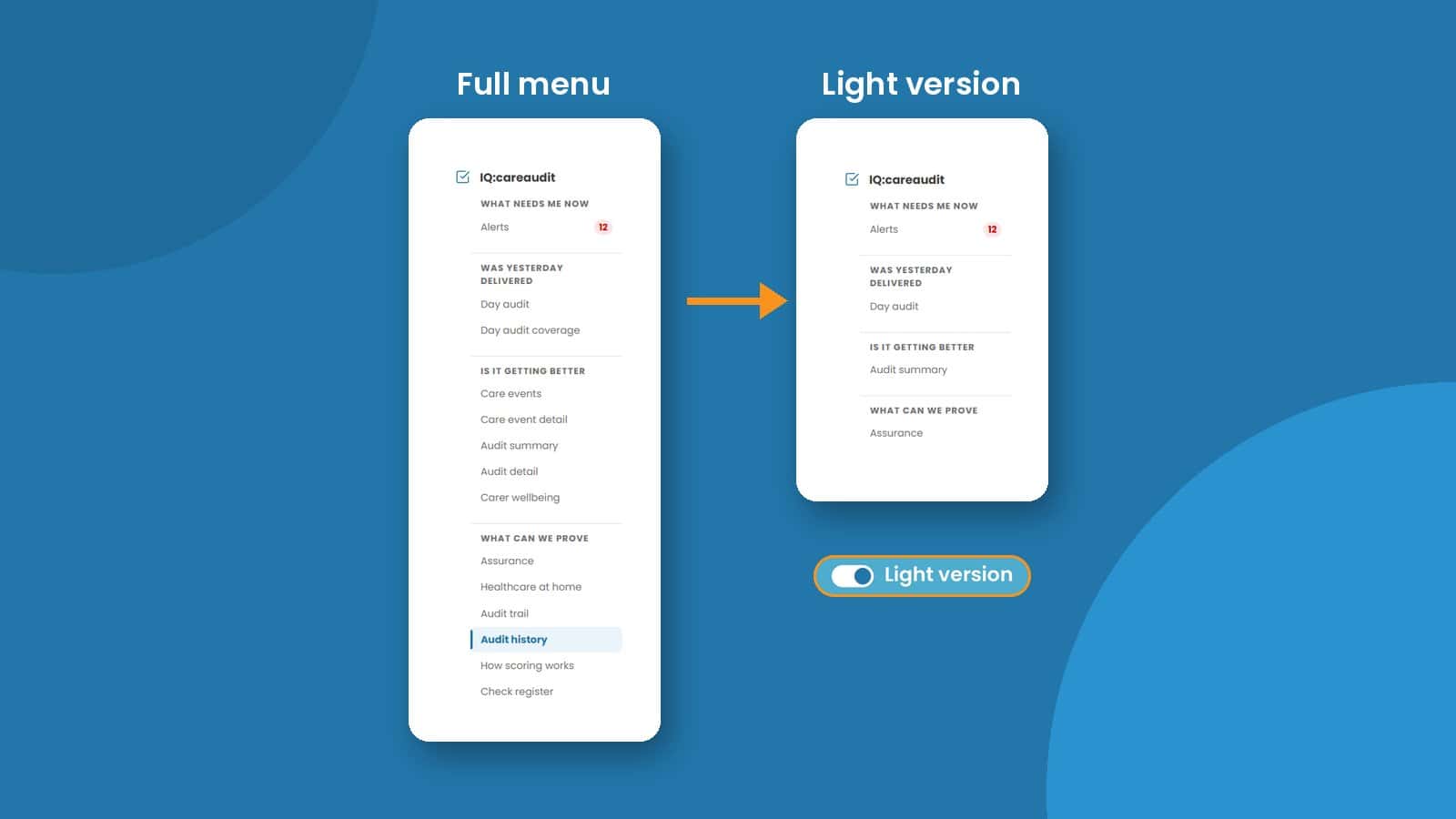
Light version reduces the IQ:careaudit menu to the essentials:
- Alerts: what needs attention now.
- Day audit: whether yesterday’s care was delivered as planned.
- Audit summary: whether things are getting better.
- Assurance: what you can evidence.
Nobody loses access. Use the Light version switch at the top of the screen to turn it on, and switch it off whenever you want the full menu back.
Good to know: Audit history isn’t shown in the Light version menu, so switch Light version off when you want to export a care audit report.
Available now in IQ:careaudit version 2.0
Both updates are part of version 2.0 of IQ:careaudit, our AI care auditing software that checks care notes, visit logs and medication records against each person’s own care plan. To see everything else that’s changed in the new version, read what’s new in IQ:careaudit.
If you’re still using version 1.0, moving to version 2.0 comes at no extra cost. Contact our support team on 0800 888 6868 or at support@uniqueiq.co.uk and we’ll help you with the move.
See IQ:careaudit in action
Not using IQ:careaudit yet? Book a demo and we’ll show you how real-time auditing and exportable care audit reports can help your service stay inspection-ready every day.
Care audit reports and Light version FAQs
What are care audit reports in IQ:careaudit?
Care audit reports in IQ:careaudit show every issue raised from care in a chosen period, along with what was done about it, who took action and when. You can view them in Audit history or export them to Excel.
Can I export care audit reports to Excel?
Yes. Go to Audit history, set your filters and click Export to Excel. You’ll receive a detailed spreadsheet report based on the criteria you’ve chosen.
What can I filter my care audit report by?
You can filter by date range, source (medication, tasks and ad hoc events), category, risk level, status, client and carer. This means you can create anything from a single client review to a full report for the last 90 days.
Can I export Day audit results?
The Excel export covers issues raised from medication, tasks and ad hoc events. Day audit results are viewed within IQ:careaudit itself.
How do care audit reports help with CQC inspections?
They give you a clear record of the issues identified, the action taken and who took it, which supports CQC inspection evidence for key questions such as Safe and Well-led. The judgement and responsibility for compliance stay with your team.
What is Light version in IQ:careaudit?
Light version is a simpler view of IQ:careaudit that reduces the menu to Alerts, Day audit, Audit summary and Assurance. It’s designed for colleagues who mainly work through alerts and daily checks.
Does Light version remove access to any features?
No. Everyone keeps access to everything. Light version only changes which menu options are shown, and you can switch it off at any time to see the full menu, including Audit history.